
Managing Batteries
ToolDB has a dedicated section for battery packs, separate from tools.
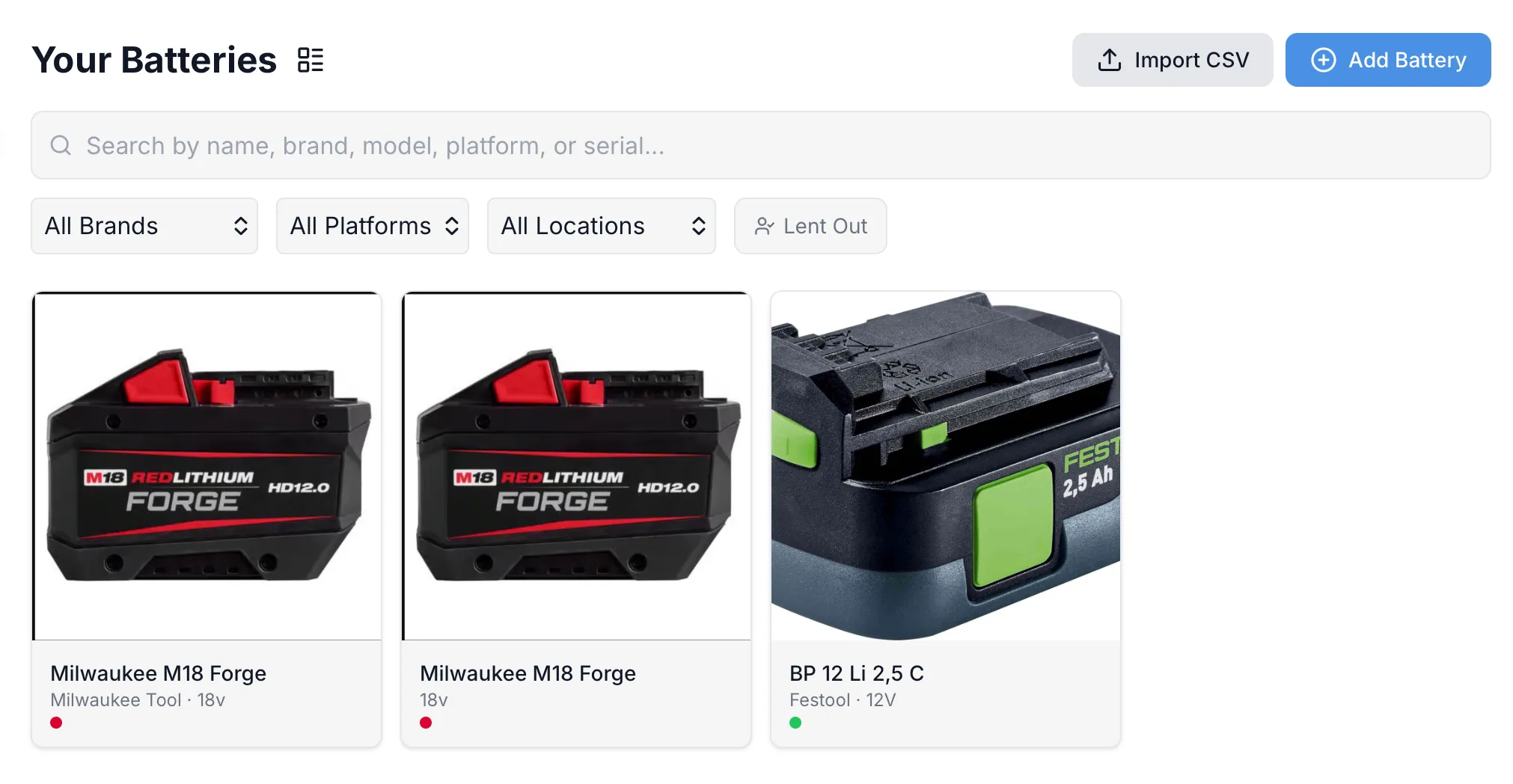
Adding a Battery
Section titled “Adding a Battery”Tap the + button on the Batteries page and fill in the details:
- Name — e.g., “M18 5.0Ah Battery”
- Brand — the manufacturer
- Platform — the battery system (M18, 20V MAX, LXT, etc.)
- Voltage — battery voltage
- Capacity — amp-hours (Ah)
- Model & Serial Number — for warranty and insurance purposes
Battery-Specific Fields
Section titled “Battery-Specific Fields”Batteries have fields tailored to battery tracking:
| Field | Description |
|---|---|
| Platform | Battery system (M18, 20V MAX, LXT, etc.) |
| Voltage | Nominal voltage |
| Capacity (Ah) | Amp-hour rating |
Everything Else
Section titled “Everything Else”Batteries support the same features as tools:
- Photos and receipts
- Tags and color coding
- Lending and return tracking
- Warranty tracking with expiration alerts
- Custom fields
- Duplicate for adding multiples
- Included in insurance exports and analytics