
Browsing & Searching
Search
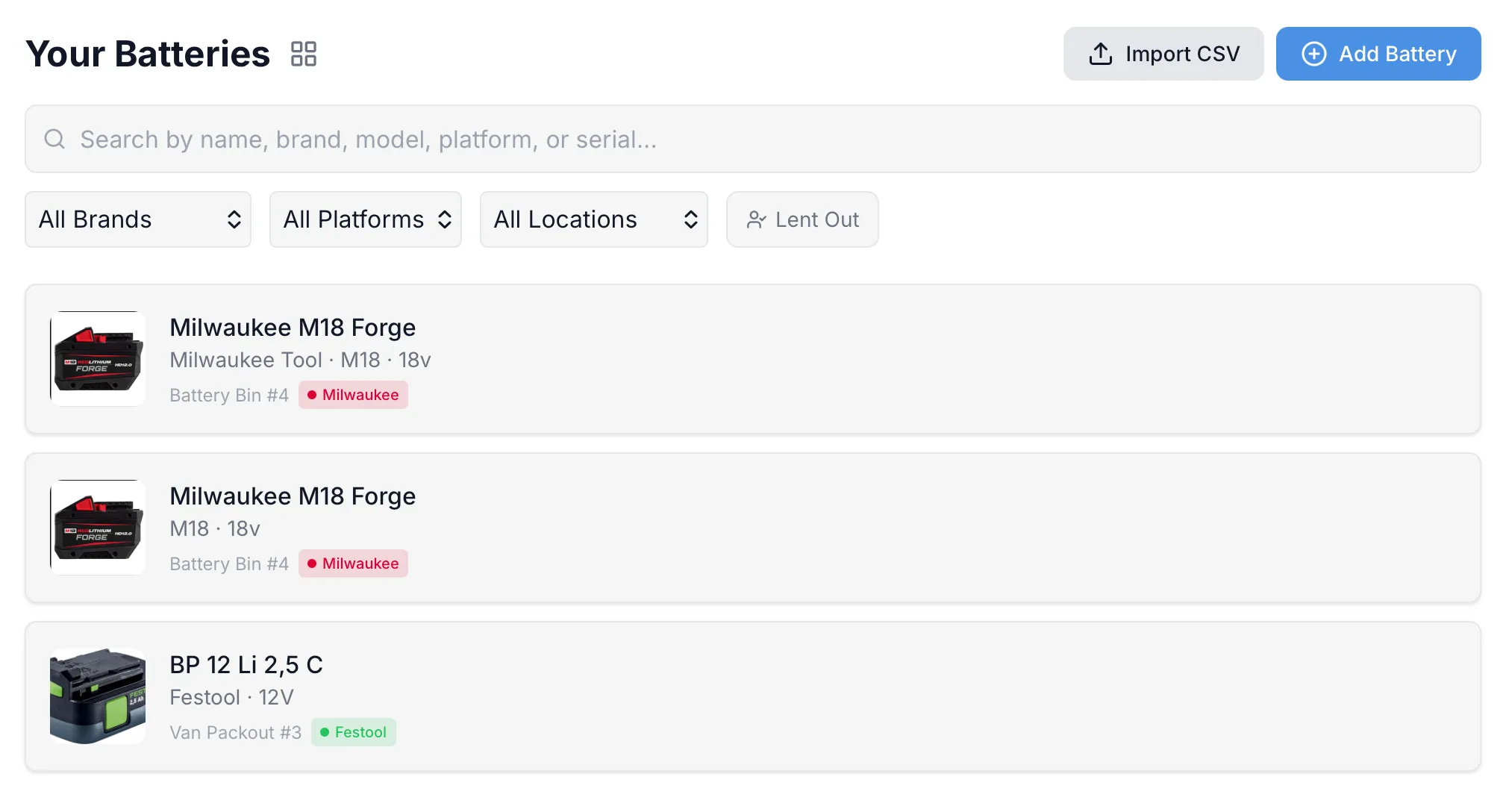
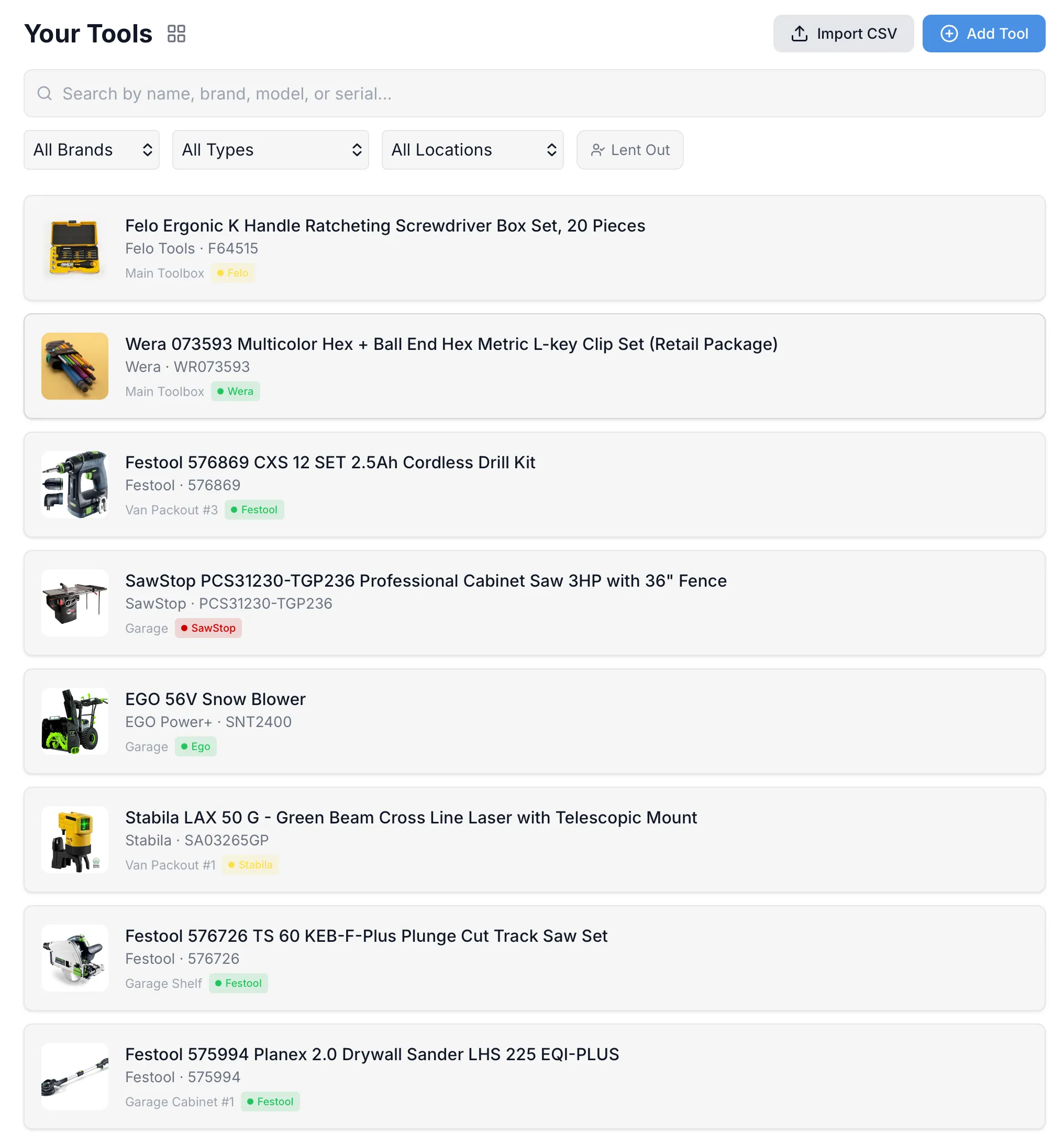
Section titled “Search”The search bar at the top of the Tools page searches across tool names, brands, model numbers, and serial numbers. Results update as you type.
Filters
Section titled “Filters”Use the filter dropdowns below the search bar to narrow your view:
- Brand — show only tools from a specific brand
- Type — filter by tool type (Drill, Saw, Wrench, etc.)
- Location — show tools in a specific location
- Lent Out — show only tools currently lent to someone
Tap Clear filters to reset all filters at once.
List vs Grid View
Section titled “List vs Grid View”Toggle between list and grid view using the icon next to the page title.
- List view — shows tool photo, name, brand/model, location, and tags in a compact row
- Grid view — shows tool photos in a card layout, great for visual browsing
Your view preference is saved between sessions.