Managing Your Account
Accessing Settings
Section titled “Accessing Settings”Tap Settings in the bottom navigation (mobile) or sidebar (desktop).
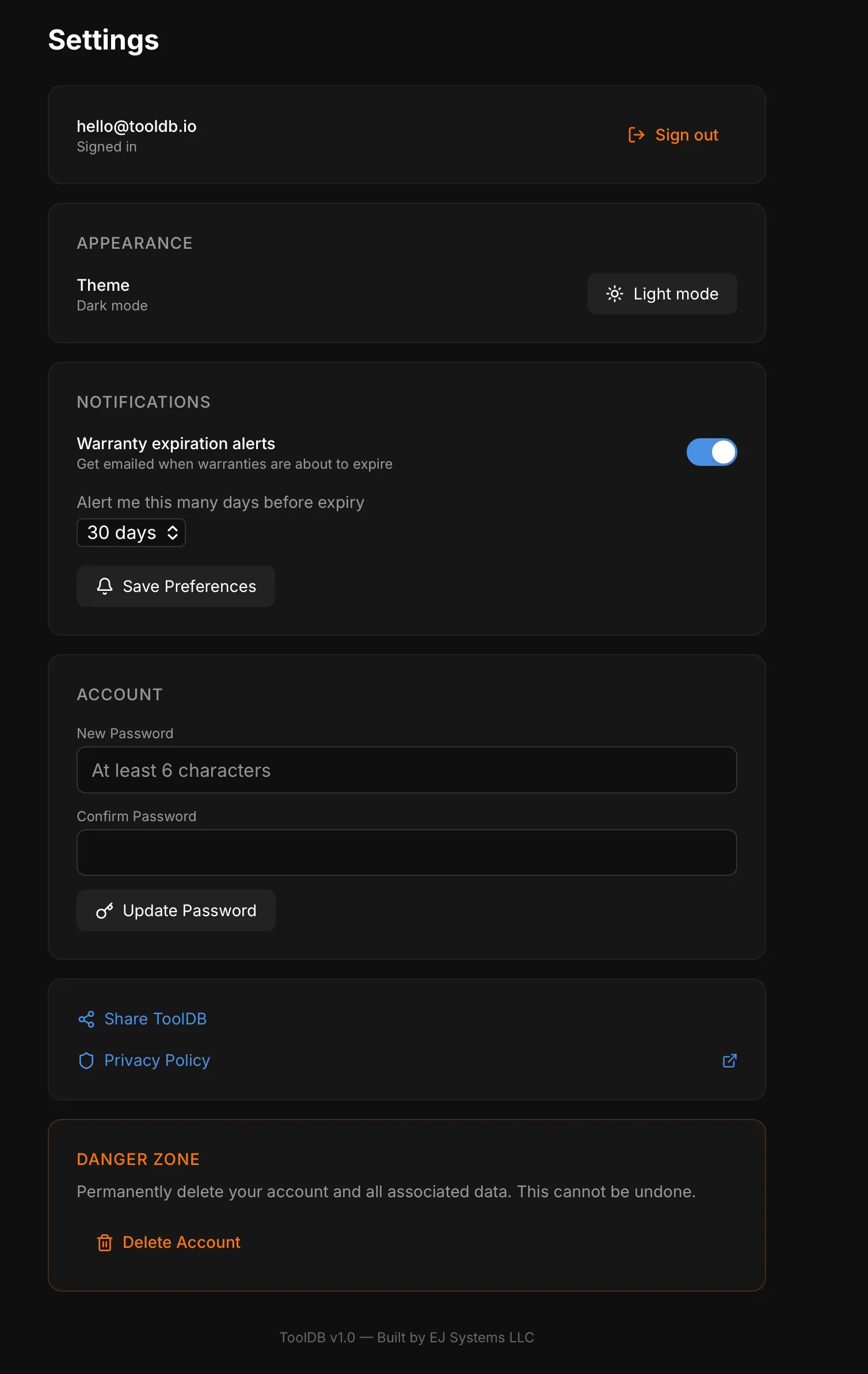
Switch between dark mode and light mode. Your preference is saved.
Changing Your Password
Section titled “Changing Your Password”In the Account section of Settings:
- Enter your new password (minimum 6 characters)
- Confirm the new password
- Tap Update Password
Warranty Alerts
Section titled “Warranty Alerts”Configure email notifications for expiring warranties. See Setting Up Alerts for details.
Sign Out
Section titled “Sign Out”Tap Sign out at the top of the Settings page.
Sharing ToolDB
Section titled “Sharing ToolDB”Use the Share ToolDB button to share the app with friends or colleagues via your device’s share sheet.